Which 3D Printer for Fishing Gear? (An Ender 3 Is Enough)
Which 3D printer for fishing gear: why a 220×220 mm bed like the Ender 3 is enough, what actually matters, and honest notes on printer classes and PETG.
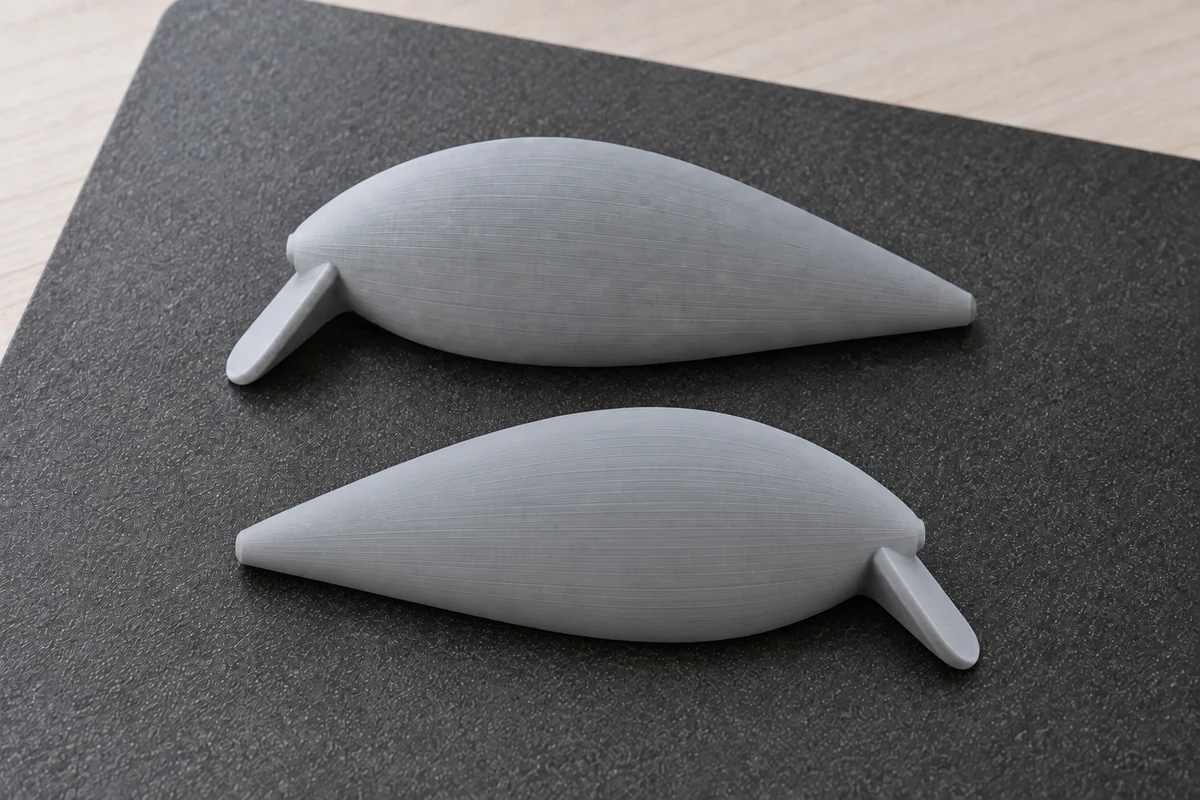
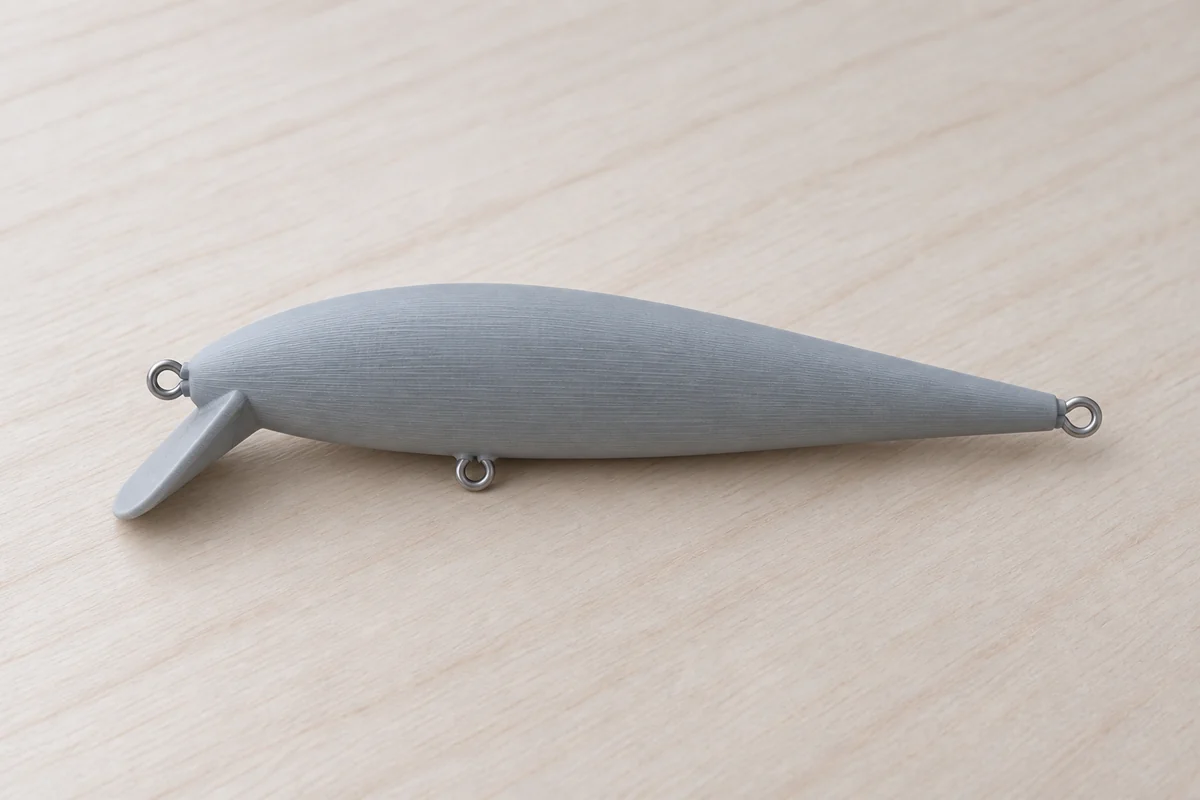
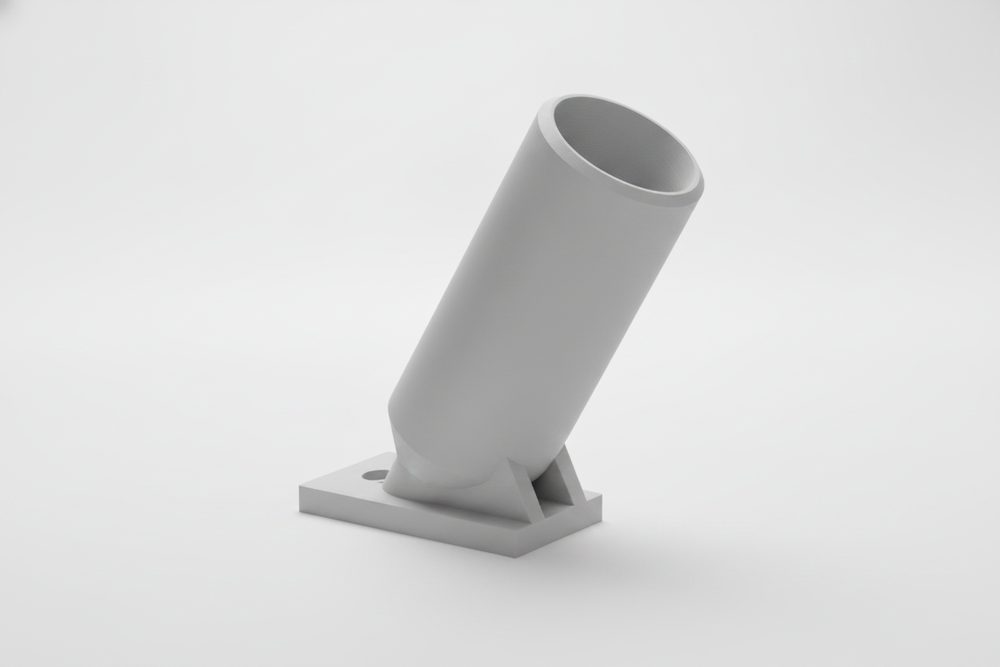
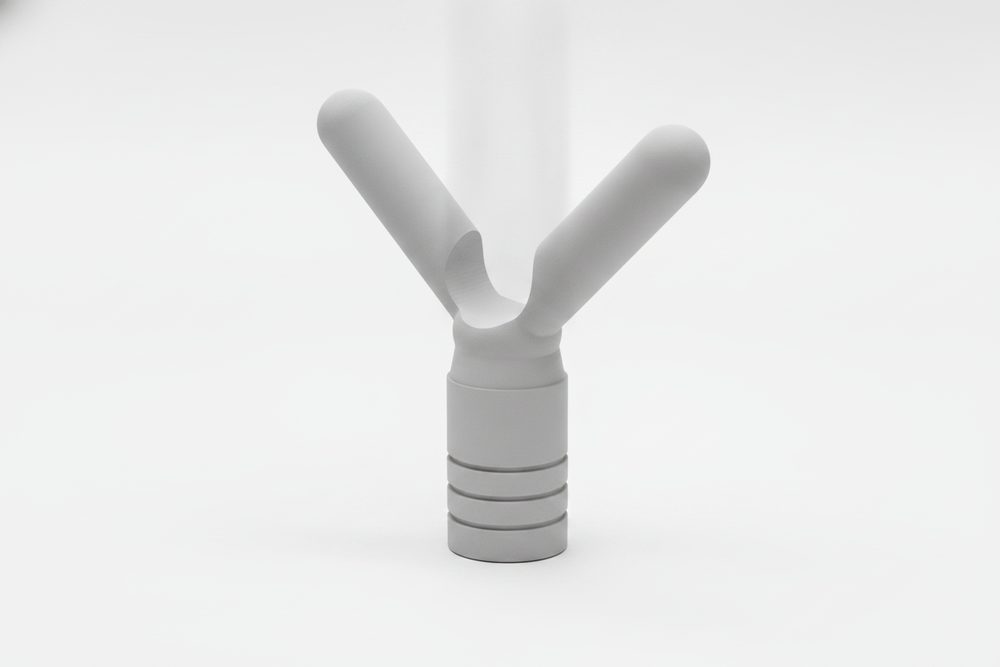
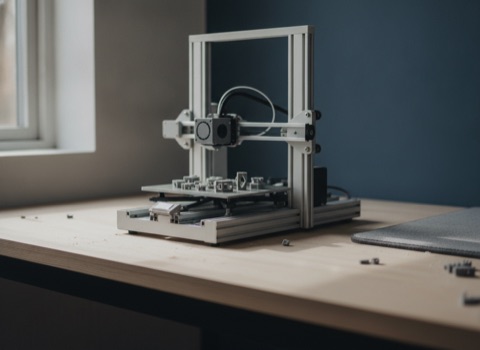
The most common question before someone buys their first fishing-gear file is which printer to buy first. The honest answer: almost any FDM printer works, and the machine matters far less than most buying guides suggest. Every file in our catalog is deliberately designed around a 220×220 mm print bed — the footprint of a base-model Creality Ender 3 — because that is the floor we build to, not a stretch goal. The largest single part across the whole catalog is 142 mm on its longest side, well inside that limit with room to spare.
What actually matters
Skip the spec-sheet chase and focus on three things:
- Bed adhesion. A part that lifts or warps mid-print ruins the file, regardless of how fast or precise the printer is otherwise. A textured PEI sheet, a glue stick, or a brim in the slicer solves this on almost any machine.
- A roughly calibrated extruder. Under- or over-extrusion shows up as weak layers or blobbing well before print speed or resolution do. Most printers ship close enough out of the box; a basic extrusion calibration print is worth the twenty minutes if you have never done one.
- PETG capability. Several of our files — soft-bait molds especially — require PETG, which means a bed that reaches roughly 75–85 °C and a nozzle that holds 230–250 °C steadily. Any printer sold in the last several years handles this; it is worth checking if you are working with an older or heavily modified machine.
Resolution, print speed, and multi-material capability are nice to have, not requirements for anything we sell. None of it substitutes for the three points above.
Print time is not a bottleneck either. Even the largest part in the catalog is a small, dense object — expect well under two hours on a modern printer and not much more than that on an older Ender 3. None of these files are the kind of overnight, multi-day prints that make raw printer speed a deciding factor.
Buying used is a reasonable way in, too. A secondhand Ender 3 or similar budget machine, checked over and re-leveled, prints these files exactly as well as a new one — bed size and achievable temperatures are what matter, not the printer's age or resale value.
Printer classes, without the hype
A few reference points, named only because anglers ask for them by name — not an endorsement, and trademarks belong to their owners.
Creality Ender 3 — the budget reference point and our deliberate lower bound. Open-frame, manual bed leveling on older versions, slower than newer machines, and it handles PETG fine with the profile adjustments covered in our print guides (nozzle 235–245 °C, bed 75–85 °C, slower print speed, moderate part cooling). No enclosure, so keep it away from drafts for consistent PETG layers.
Prusa MK4 — an open-frame machine known for reliability and consistent print quality out of the box. Costs more than an Ender 3, prints PETG without any special coaxing, and needs less troubleshooting over time.
Bambu Lab A1 / P1S / X1C — noticeably faster than either of the above, with automated bed leveling and flow calibration that removes most manual tuning. The P1S and X1C add an enclosed chamber, which helps PETG print more consistently by reducing drafts and warping — a nice-to-have for PETG, not a requirement. The A1 is open-frame and still prints PETG fine for parts this size.
None of these is a wrong choice for anything in our catalog. The differences are speed, convenience, and how much manual tuning you are willing to do — not whether the part will fit or print.
One practical note that applies across all of them: a brass nozzle wears down faster than a hardened-steel one with abrasive or glitter-filled filament, but plain PETG and PLA are gentle on either — nozzle material is not a factor for anything in this catalog.


 Bambu Lab, Prusa, Creality — our print profiles cover all three.
Slicer doesn't matter either
Our 3MF files are generic and pre-oriented — body halves already laid flat on their print face, no supports needed — so they open the same way in Bambu Studio, PrusaSlicer, Cura, or OrcaSlicer. Pick your printer profile, load the material, slice. There is no slicer-specific setup required beyond what is already in the file.
Why not resin (SLA)?
Resin printers produce sharper detail than FDM, but standard SLA resins are brittle — they crack under the kind of impact and flex a fishing lure, rod holder, or mold takes in normal use. FDM materials like PETG absorb shock instead of shattering, which matters more here than surface finish. For gear that gets cast, dropped, and handled, FDM is the right process, not a budget compromise.
Bottom line
Start with whatever FDM printer you already own or can get for entry-level money. If it holds a bed at 220×220 mm, heats a nozzle to PETG temperatures, and can lay down a decent first layer, it prints everything in our catalog. Check our per-printer setup notes for the dialed-in profile for your specific machine, and see the PETG vs PLA guide if you are deciding which material to load first. When you are ready, the lure configurator is the fastest way to get a file onto your bed.
If you are buying new in 2026
Two honest picks, both from the 220 × 220 mm class every file is designed around: the Ender-3 V3 SE is the floor and it is genuinely enough — auto-leveling, direct extruder, prints PETG fine in the open. The Ender-3 V3 KE is the same footprint with the annoyances removed: faster, stiffer, network printing. The difference between them is comfort, not capability — no file in our catalog prints better on one than the other. Enclosed premium machines (the Bambu Lab class) are lovely to own but change nothing for these parts — and Bambu does not sell its printers on Amazon anyway, so if you want one, buy direct from the manufacturer.
 Creality Ender-3 V3 SEThe 220 × 220 mm class every file is designed around.
 Creality Ender-3 V3 KESame 220 × 220 bed, with the annoyances removed: auto-leveling, faster. Convenience, not capability.
 PETG filament, white 1 kg (SUNLU)The paint base. White body = primer already on — and sealed raw it reads as classic bone.
Frequently asked
Do I need a Bambu Lab or Prusa printer to print fishing gear files?
No. Every file is designed around a 220×220 mm bed — the Ender 3 footprint — as the deliberate lower bound. Faster, pricier printers are more convenient, not more capable for these parts.
What's the largest part I'll need to fit on my bed?
142 mm on its longest side, across the entire catalog — well inside a 220×220 mm bed with margin to spare.
Can I print these files in resin (SLA)?
Not recommended. Standard SLA resins are brittle and crack under the impact and flex fishing gear takes in normal use. FDM materials like PETG hold up far better for this kind of part.
Does my printer need an enclosure for PETG?
No. An enclosure, like on the Bambu P1S/X1C, helps PETG print a bit more consistently by cutting drafts, but open-frame printers like the Ender 3, A1, or Prusa MK4 print PETG fine for parts this size.
Which slicer should I use?
Whichever one you already have. The 3MF files are generic, pre-oriented, and support-free, so they work the same in Bambu Studio, PrusaSlicer, Cura, or OrcaSlicer.
Every Fishing3D file ships with the guides that match it — print profiles, assembly, sealing, tuning. Ordering opens soon — leave your email for a single heads-up.